
VOKA 3D Anatomy
& Pathology
Learn smarter with free access to 1000+ medical models







VOKA 3D Anatomy
& Pathology
Learn smarter with free access to 1000+ medical models
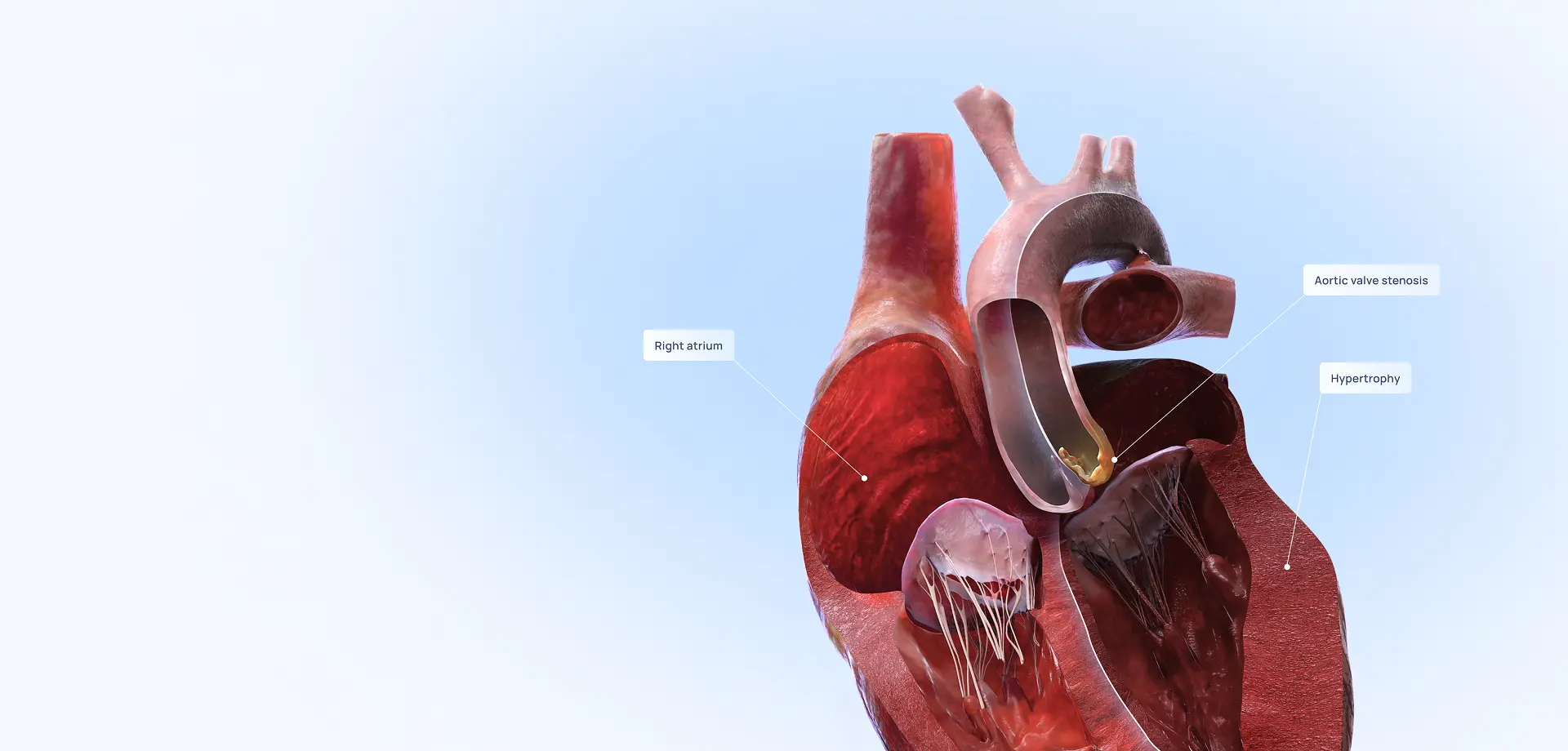
Discover the medical accuracy.
Explore the model
Features: all the essentials at hand
Dissection
Make custom cross-sections to visualize internal anatomy.
You can embed any 3D model on your platform. Learn more >
2D & 3D pen
Draw directly on models in 2D or 3D to mark specific structures and guide learning.
You can embed any 3D model on your platform. Learn more >
Text & image
Place text and images next to the model to support explanation.
You can embed any 3D model on your platform. Learn more >
Color highlight & pointer
Draw attention to important structures with color highlights or an on-screen pointer.
You can embed any 3D model on your platform. Learn more >
3D interactions
Isolate and hide structures, zoom and rotate models to get the best view you need.
You can embed any 3D model on your platform. Learn more >
Topography
Visualize organs within their anatomical context to understand spatial relationships.
You can embed any 3D model on your platform. Learn more >
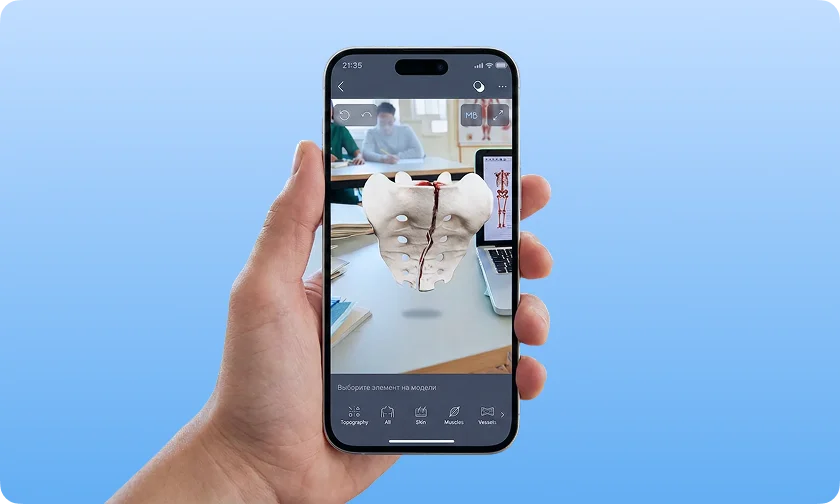
AR mode for mobile devices
Display 3D models in a real-world environment, such as on a mannequin, to increase student engagement.
You can embed any 3D model on your platform. Learn more >
3D model snapshots
Capture striking snapshots and seamlessly integrate them into presentations and documents.
You can embed any 3D model on your platform. Learn more >
Quick search
Search by structure name to easily find the content you need.
You can embed any 3D model on your platform. Learn more >
Personal collections
Keep essential models in one place for quick reference anytime.
You can embed any 3D model on your platform. Learn more >
Sharing deeplinks
Instantly share content with students and colleagues.
You can embed any 3D model on your platform. Learn more >
Medical articles
Browse expert-written articles on pathologies and modern treatment.
You can embed any 3D model on your platform. Learn more >
Offline mode
Access the interactive 3D atlas anytime, even without an internet connection.
Localization
Explore medical content in Arabic with a fully localized experience.
Quizzes
Test your knowledge with quizzes integrated into the learning experience.
Your ultimate 3D medical reference
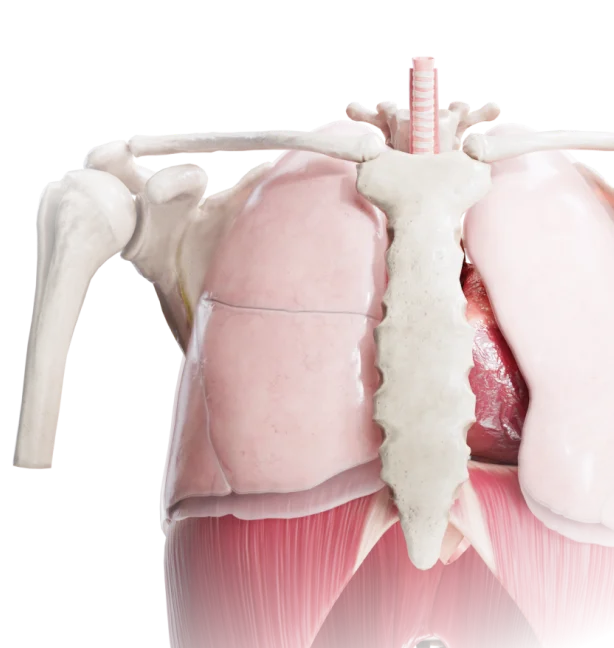

Regional anatomy
Study male and female anatomy by region, visualize the interconnected structures — skin, muscles, vessels, nerves, bones, and joints.
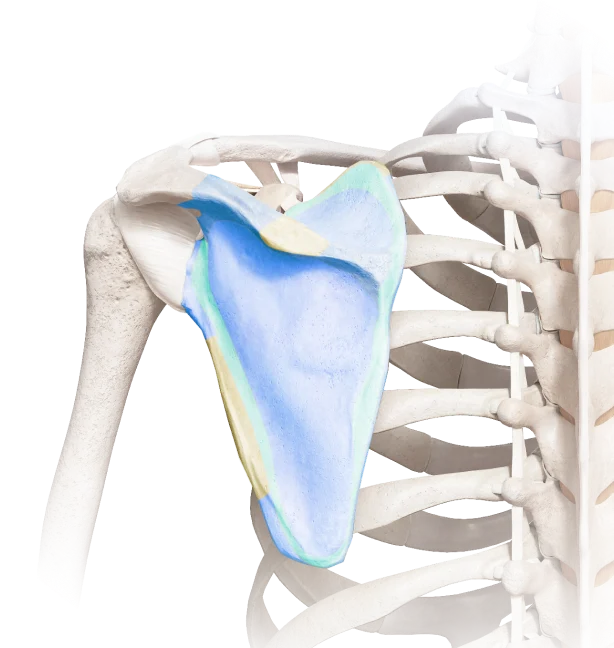
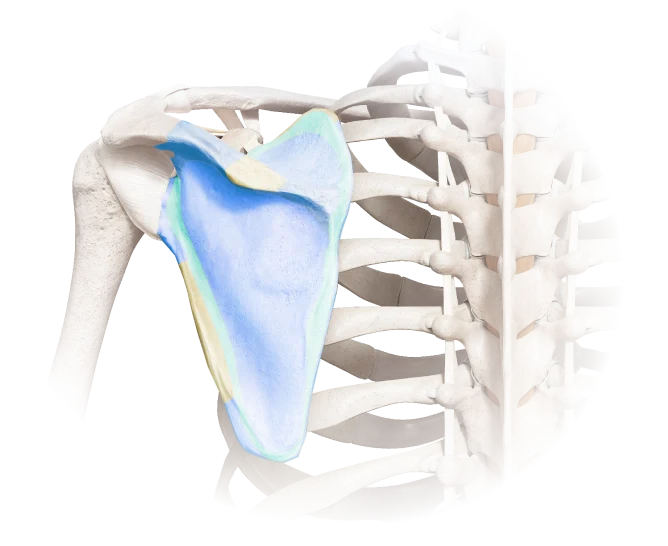
Systemic anatomy
Explore the human body by system, gain a deep understanding of each system's individual components and functions.


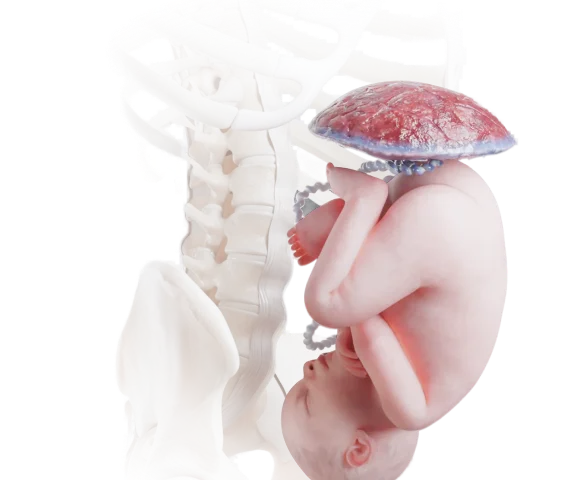
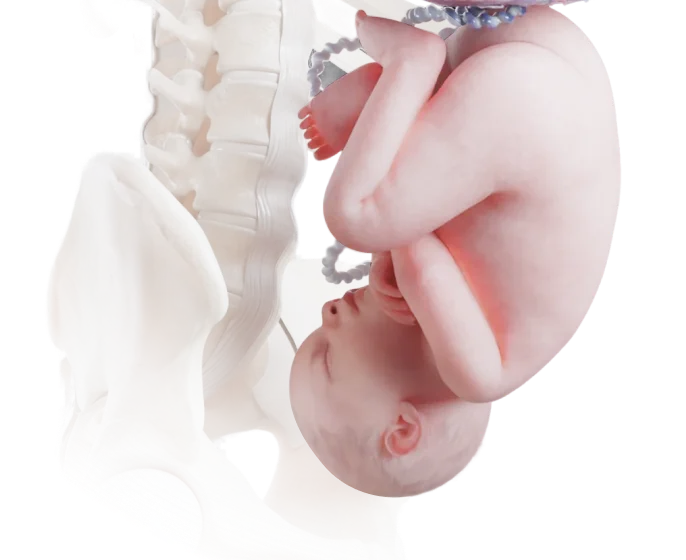
Embryology
Explore human development in precise detail. Move from blastocyst to birth-ready anatomy through every critical phase.
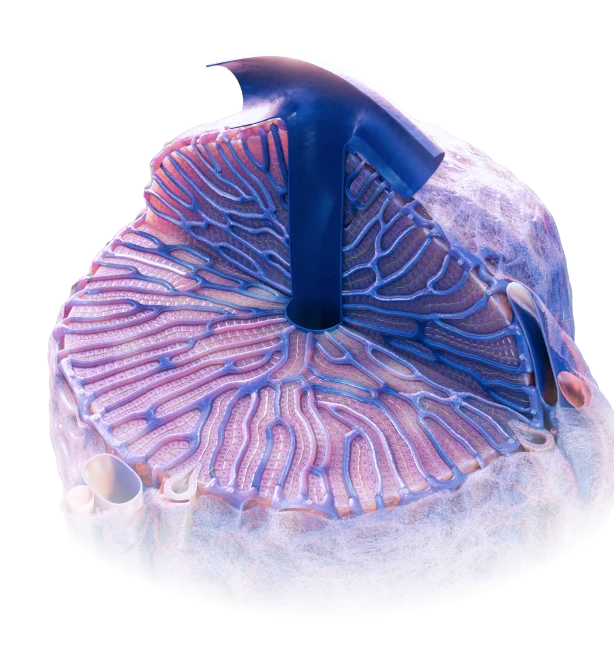
Microanatomy
Navigate the body’s microanatomy, explore life at its smallest scale. Zoom from whole organs to the cellular and subcellular worlds within.
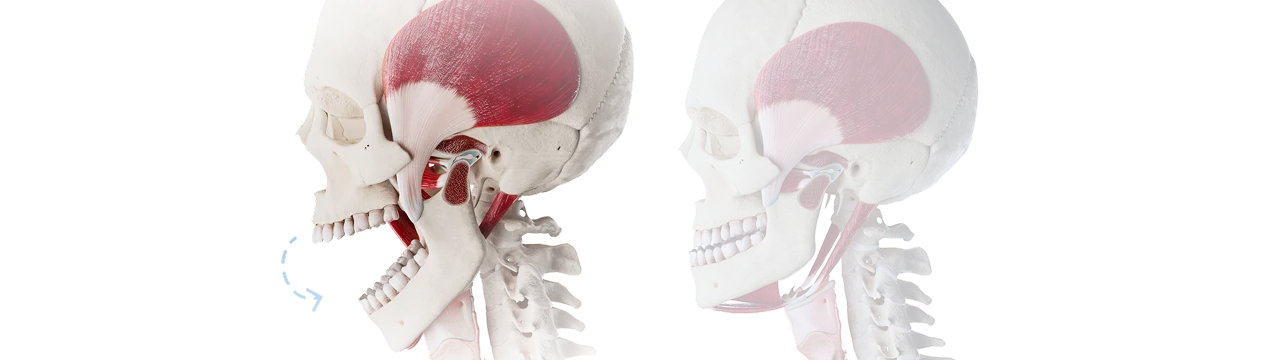
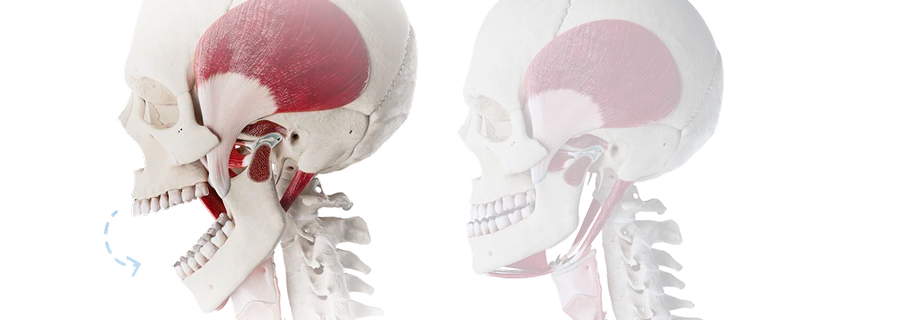
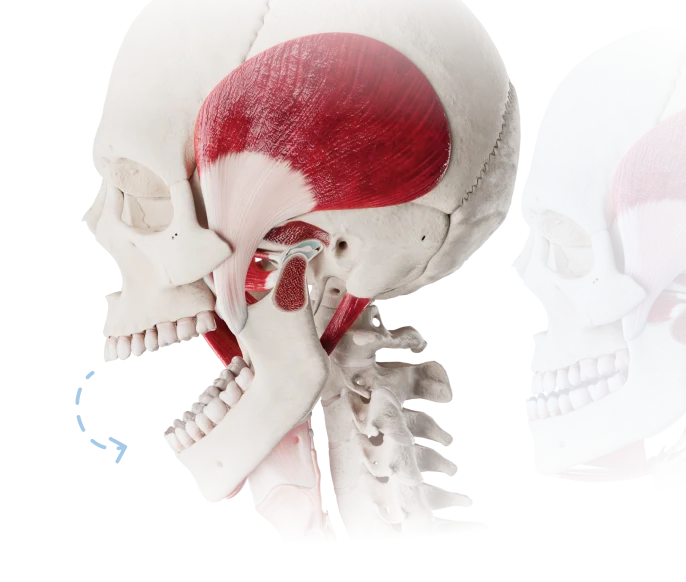
Biomechanics
Visualize how the body moves by studying joints, muscles, and complex motion patterns with dynamic 3D models.
Pathology
Discover a wide range of diseases across 19 clinical categories, covering congenital, oncological, endocrine, dental, and many other conditions.
Coming soon
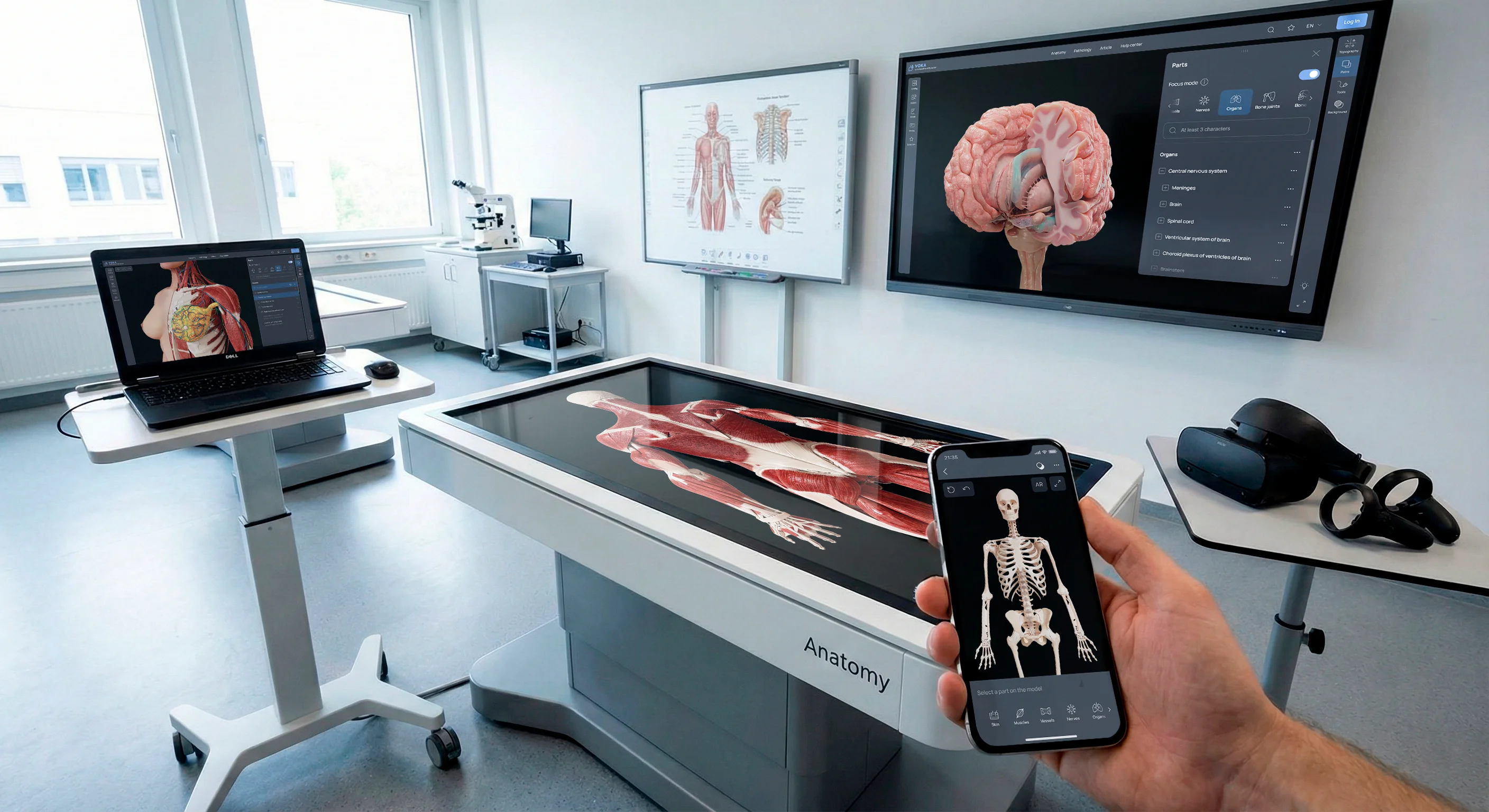
Smart hardware compatibility

Mobile devices

PCs

Anatomy tables

Interactive boards

LMS

Touch displays

VR devices

AR devices


Your field, your atlas
Students
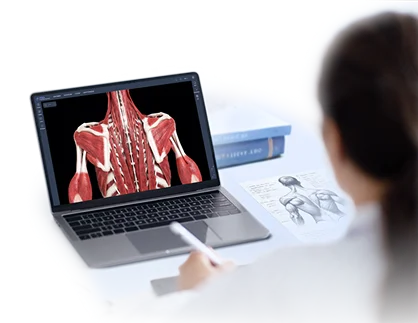
Universities

Doctors
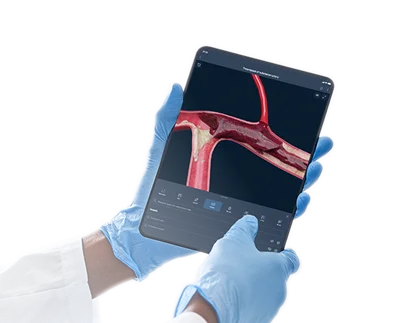
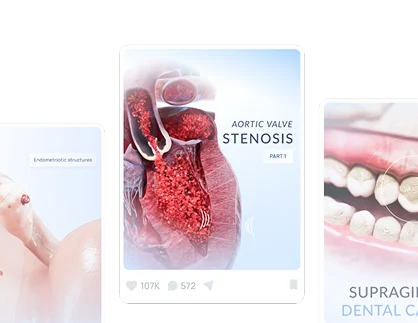
Bloggers
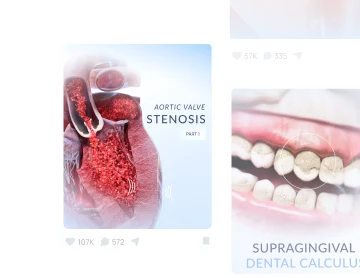
Related resource
Explore VOKA Wiki
Expert-written pathology articles with treatment insights and quick quizzes, complemented by detailed medical renders and videos.
We say «medically accurate»
and we mean it
Comprehensive three-level content quality assurance approach


Built from medical imaging
Reviewed by medical specialists
Validated for clinical accuracy

Get in touch
Fill out the form and we’ll get back to you once we’ve processed your request.
You can contact us using: